
Follow PD from activity to record to answer.
See how Kalpa manages participation, requirements, individual records, district administration, and reporting in one connected PD system.

Track PD as it happens.
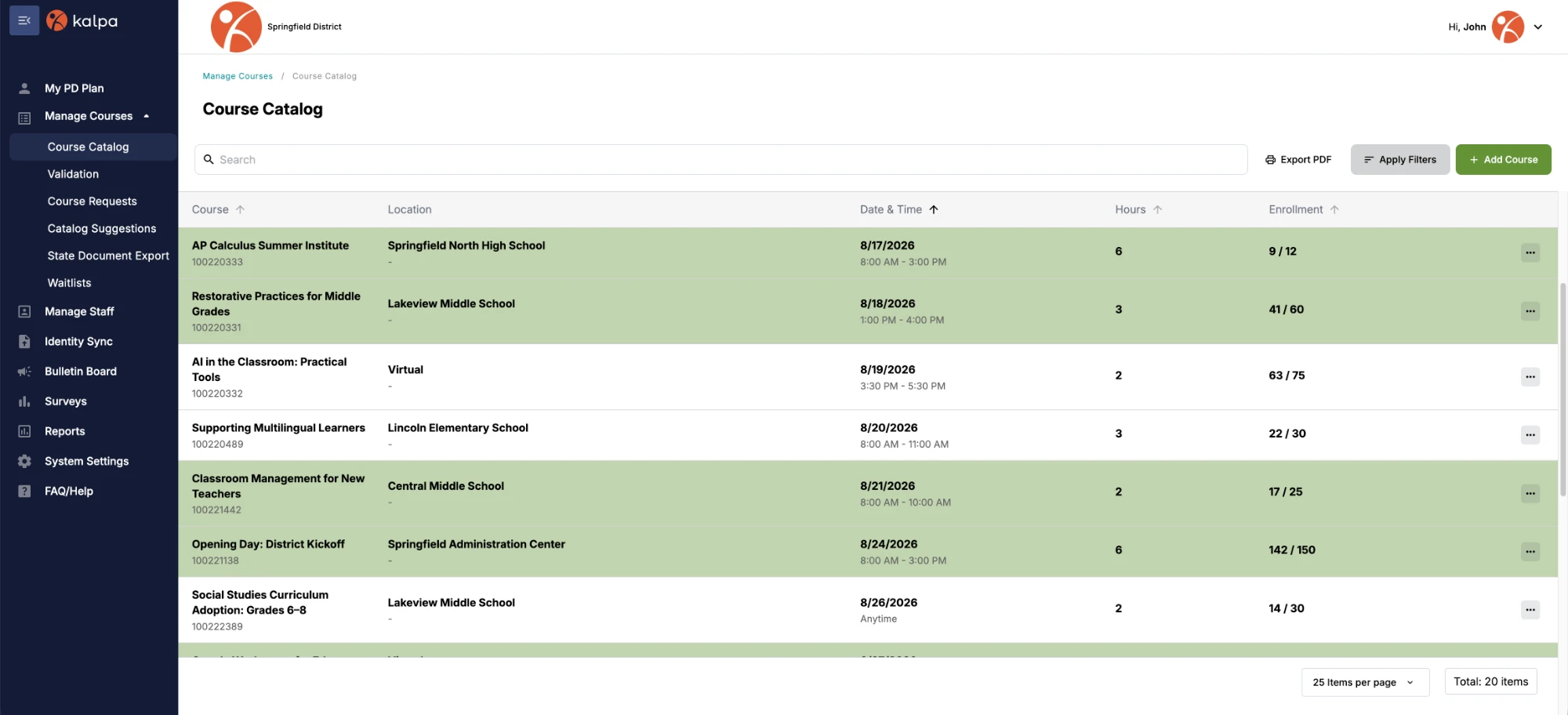
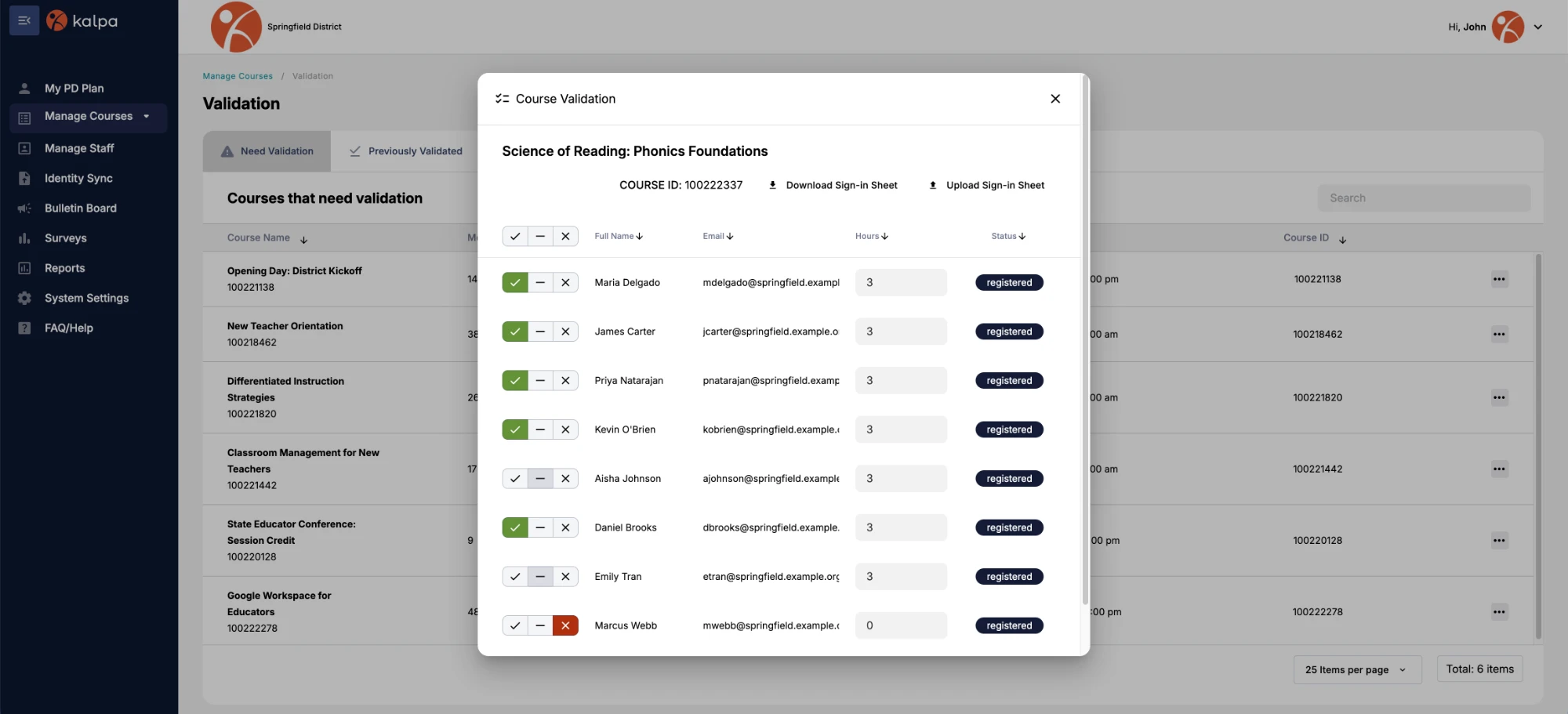
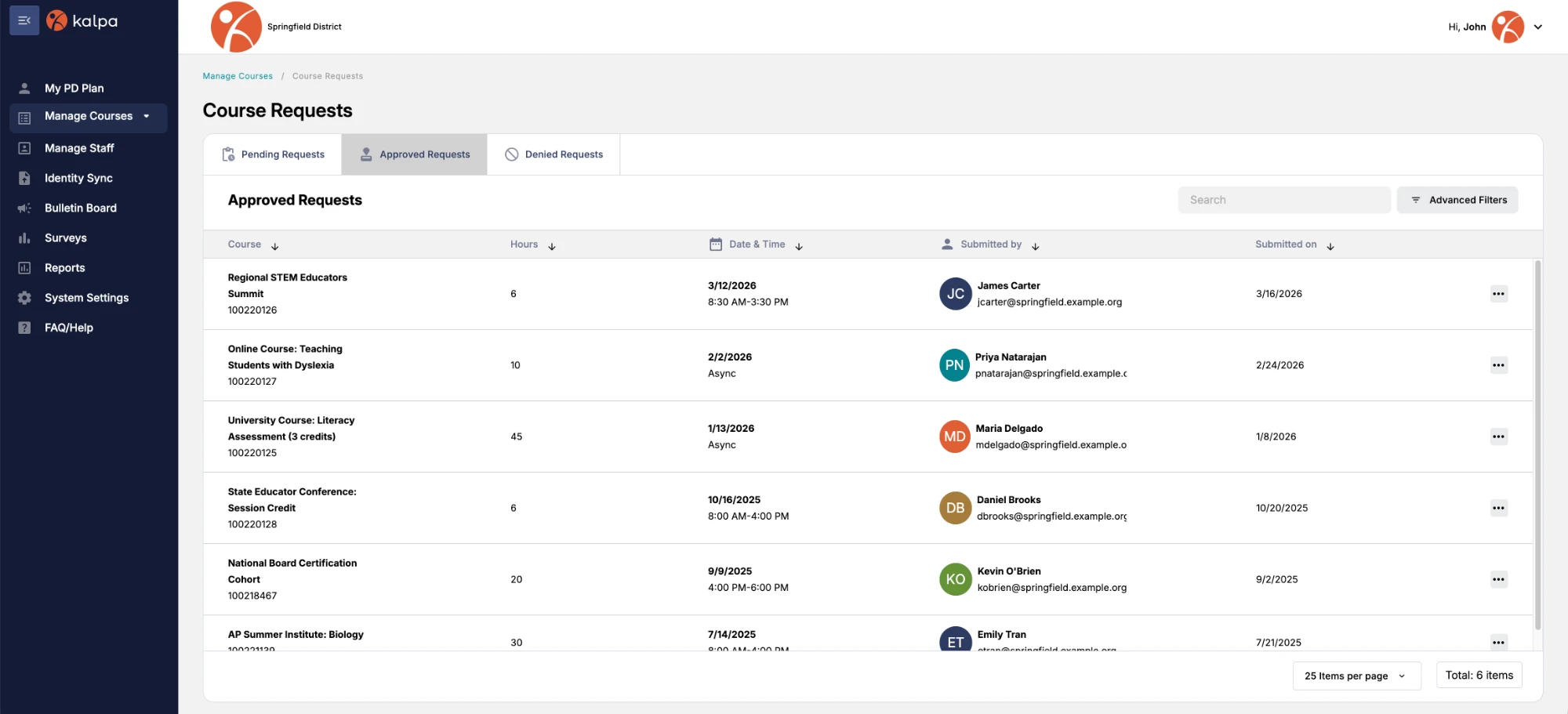
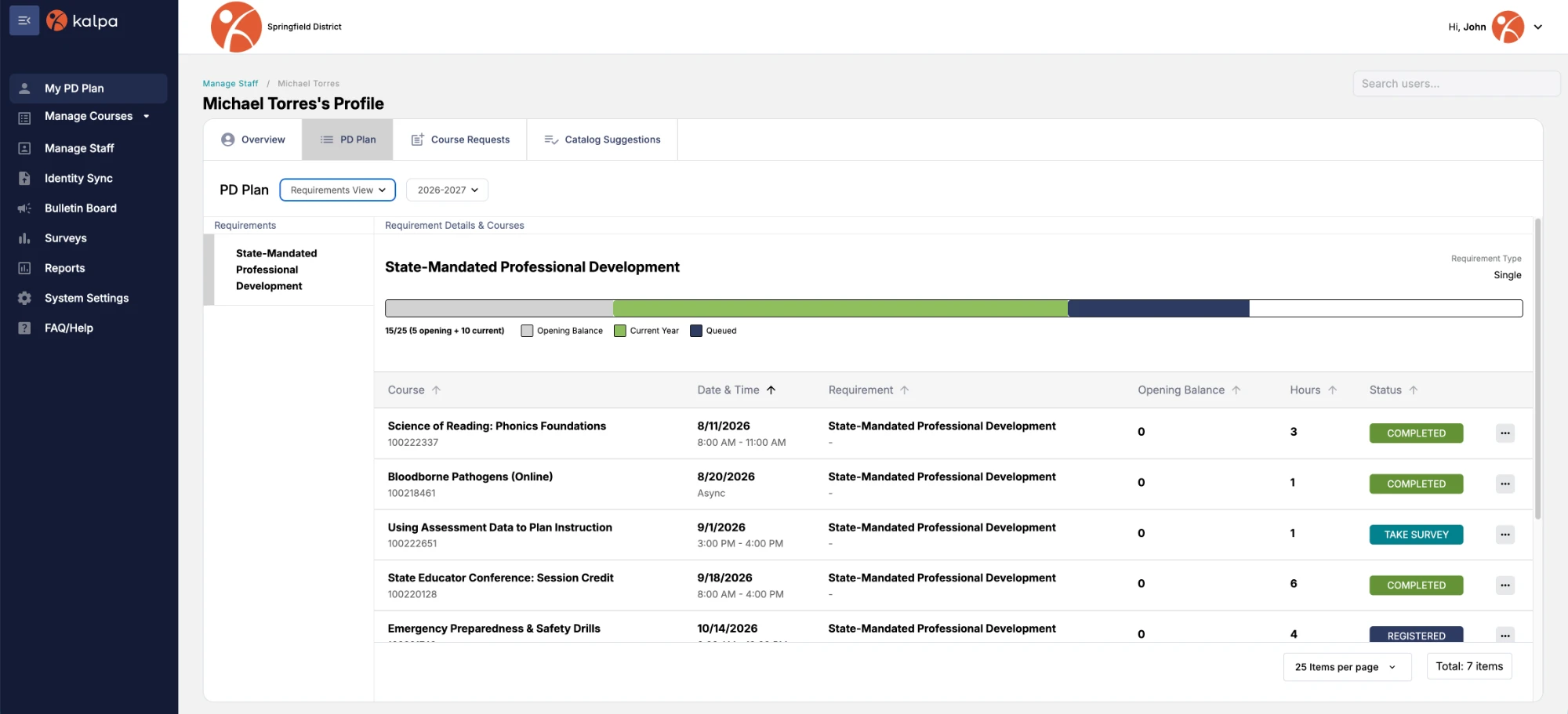
Keep courses, registration, attendance, outside PD, and requirements connected as activity becomes part of the district record.
-
Courses & Registration
Make activities available to staff and see who plans to participate.
-
Attendance
Record who actually participated and keep attendance connected to the activity.
-
Outside PD
Bring approved professional development completed elsewhere into the same record.
-
Requirements & Progress
See what completed activity counts toward and what’s still outstanding.
Keep the record current across the district.
Manage staff, validate activity, update records across groups, and control access without maintaining the district record one person at a time.
Bulk Actions
Update records across multiple staff at once.
Staff Management
Keep staff information current as roles change.
Record Validation
Review and confirm submitted staff PD activity.
Access Controls
Manage who can view and administer information.
See the full history without piecing it together.
Keep courses, hours, requirements, certifications, and outside PD connected to each staff member over time.
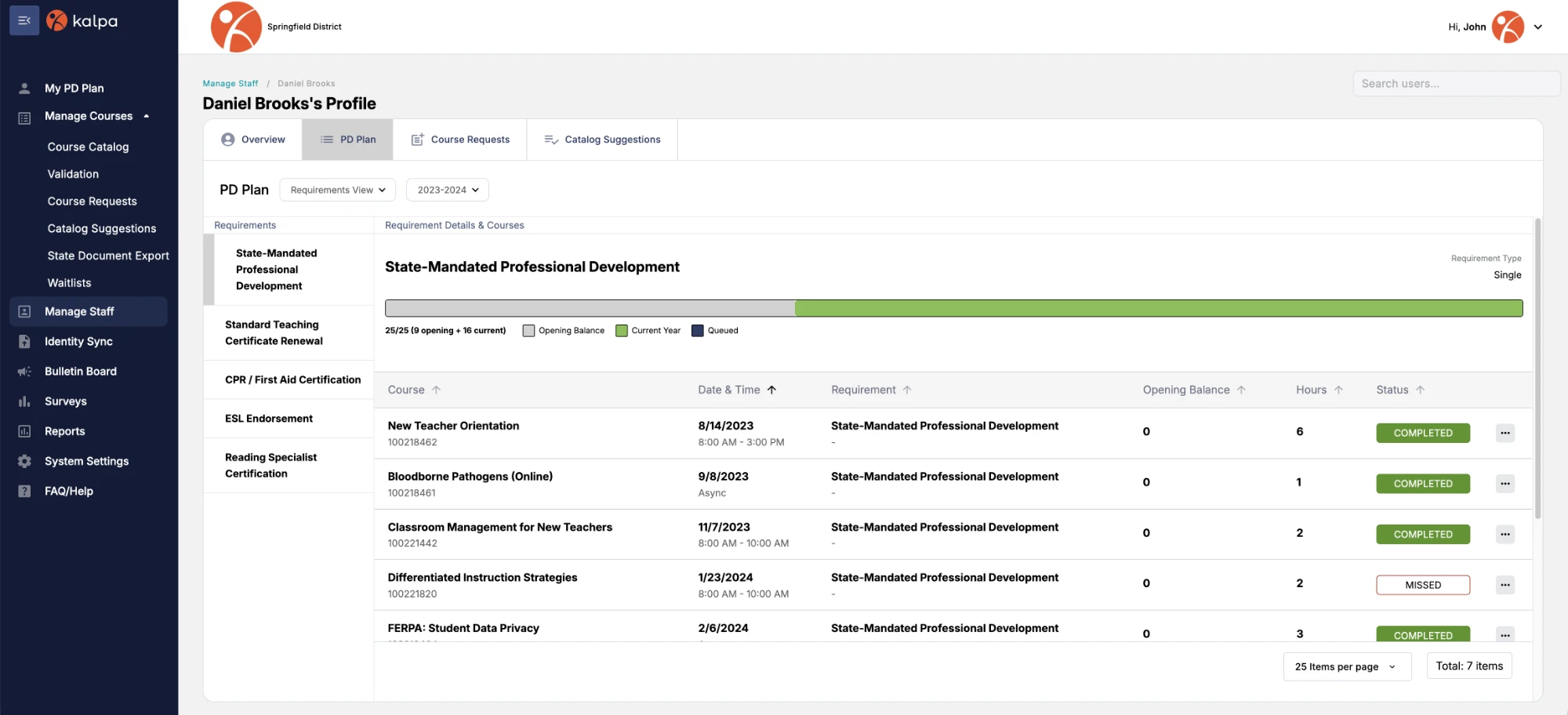
Requirements
See what’s complete, what counts, and what remains outstanding.
Activity History
Review professional development completed over time.
Certifications
Keep certifications connected to the staff member’s PD history.
Get the answer your district needs.
Start with ready-to-use reports for common district needs, with a path for reporting requirements that aren’t already supported.
Start with the questions districts need to answer.
- Who completed what?
- How many hours count?
- Which requirements are met?
- What needs to be documented?
Need a report that isn’t already there?
-
Bring us the requirement
Tell us the question, requirement, or output your district needs from its PD record.
-
Work through it with Kalpa
The team reviews what the report needs to answer, how the information should be organized, and whether the requirement can be supported through Kalpa.
-
Put the report to work
When a new report becomes available in Kalpa, it can be used again whenever the district needs that answer.
Nearly three decades built around district PD.
Since 1997, district requirements have helped shape Kalpa’s reporting, workflows, and product capabilities.
Missing Attendees Report
Yuma School District One brought Kalpa a reporting need that wasn’t already supported.
Faculty Report
Washtenaw Community College needed reporting that supported part-time faculty pay.
Bring us your PD tracking questions.
See how Kalpa would handle your district’s workflow, records, requirements, and reporting needs.
See how a district need became Kalpa.
Kalpa’s origin story
